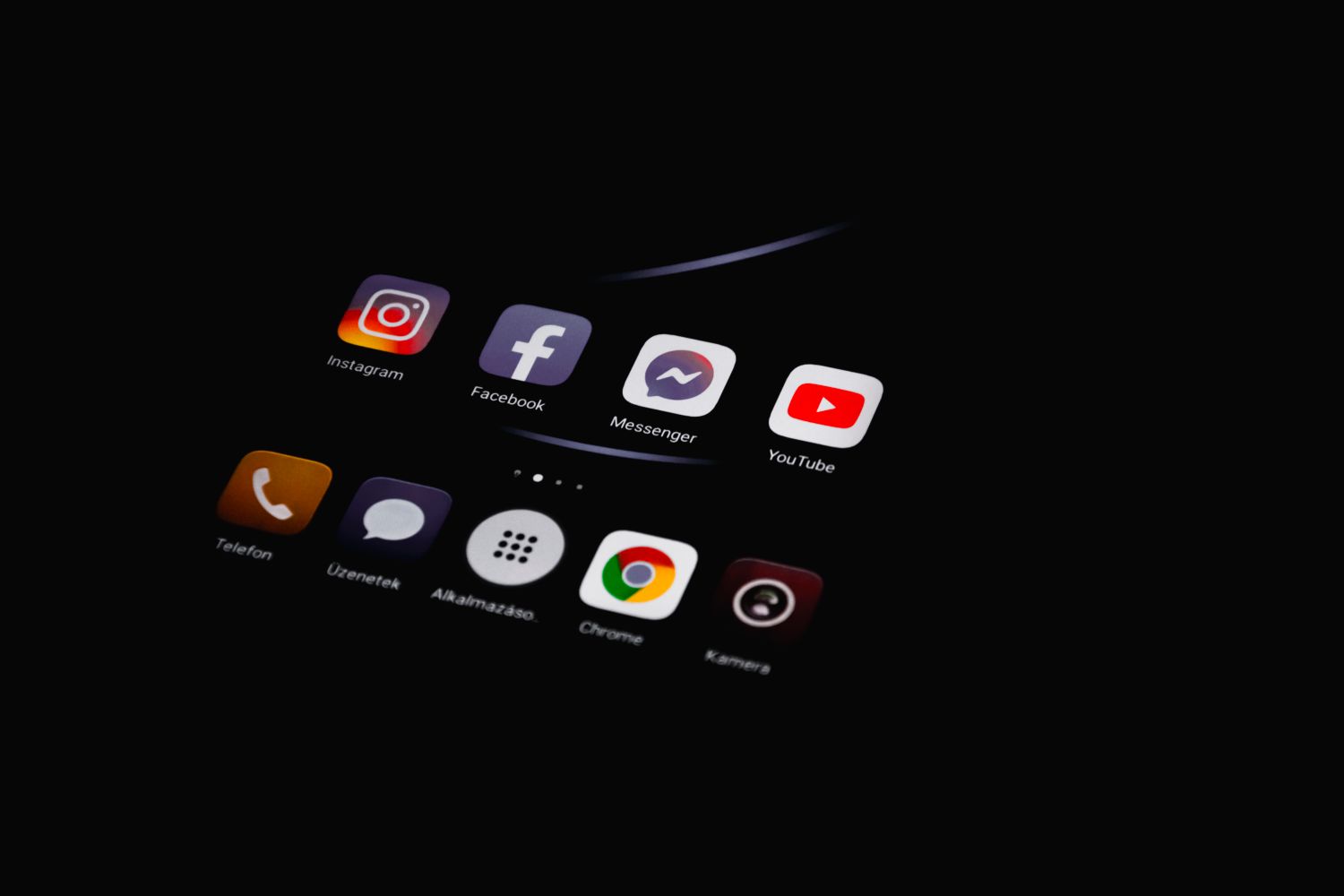


Learning how to manage multiple social media accounts is one of the most valuable skills a marketer, freelancer, or business owner can develop. Whether you are running three brand profiles or fifteen client accounts, the challenge is the same: staying consistent, responsive, and organised without burning out. This guide shares practical systems Social Media Influencer Strategy that actually work, drawn from years of hands-on social media management.
What Does Managing Multiple Social Media Accounts Mean?
Managing multiple social media accounts means overseeing the content, engagement, scheduling, and performance of two or more profiles across platforms such as Instagram, Facebook, LinkedIn, X (Twitter), TikTok, and Pinterest. It involves planning posts, replying to comments and messages, tracking analytics, and keeping each brand voice distinct.
Done well, it creates consistent brand visibility. Done poorly, it leads to missed messages, off-brand posts, and the dreaded mistake of posting personal content to a client account.
Why Managing Several Accounts Feels So Hard
Before jumping into solutions, it helps to understand the actual problems:
- Context switching: Jumping between brand voices drains mental energy quickly.
- Platform differences: What works on LinkedIn flops on TikTok, so content rarely transfers directly.
- Notification overload: Five accounts can easily generate hundreds of alerts a day.
- Inconsistent posting: Without a system, some accounts thrive while others go silent for weeks.
- Login chaos: Passwords, two-factor codes, and platform restrictions on multiple logins add friction.
The fix is not working harder. It is building a repeatable workflow.
How to Manage Multiple Social Media Accounts: 7 Proven Steps
1. Audit and Consolidate First
Start by listing every account you are responsible for. Note the platform, purpose, audience, and posting frequency. In my experience, most people discover at least one account that should be archived or merged. Fewer, healthier accounts always beat many neglected ones.
2. Use a Social Media Management Tool
A scheduling and management platform is non-negotiable once you pass two or three accounts. Tools such as Hootsuite, Buffer, Sprout Social, Later, and Metricool let you:
- Schedule posts across platforms from one dashboard
- Manage all comments and messages in a unified inbox
- Track analytics without logging into each account
- Collaborate with team members and set approval workflows
Buffer and Later suit smaller budgets, while Sprout Social and Hootsuite offer deeper reporting and team features for agencies.
3. Create a Content Calendar
A content calendar is the backbone of multi-account management. Plan at least two weeks ahead using a simple spreadsheet, Notion board, or your scheduling tool’s built-in planner. Assign each account its own colour or tab, and map content themes to specific days.
This single habit removes the daily panic of “what do I post today?” and keeps every profile consistently active.
4. Batch Your Work
Batching means grouping similar tasks together instead of switching between them. For example:
- Monday morning: Write all captions for the week
- Monday afternoon: Design or select visuals
- Tuesday: Schedule everything in your management tool
- Daily, twice a day: Engagement sprints of 15 to 20 minutes per account
I found that batching cut my weekly workload by roughly a third, simply because my brain stopped paying the switching tax between brand voices.
5. Document Each Brand Voice
Create a one-page style guide for every account covering tone, key hashtags, emoji usage, banned topics, and example posts. When you (or a teammate) sit down to write, the guide keeps the voice consistent. This is also what makes delegation possible later.
6. Repurpose Content Intelligently
You do not need entirely original content for every platform. Instead, adapt one core idea:
- A blog post becomes a LinkedIn carousel
- The carousel becomes a short TikTok or Reel
- Key quotes become X posts and Instagram Stories
Adjust the format, length, and tone for each platform rather than copy-pasting. Cross-posting identical content looks lazy to both audiences and algorithms.
7. Review Analytics Weekly, Not Constantly
Set one fixed time each week to review reach, engagement rate, follower growth, and click-throughs for every account. Checking stats daily wastes time and encourages knee-jerk decisions. Weekly reviews reveal genuine trends you can act on.
Quick Summary: Best Practices at a Glance
- Audit accounts and cut what you cannot maintain
- Centralise everything in one management tool
- Plan two weeks ahead with a content calendar
- Batch creation, scheduling, and engagement tasks
- Keep a written brand voice guide per account
- Repurpose content across platforms with adjustments
- Review performance weekly and adjust
Common Mistakes to Avoid
Even experienced managers slip up. Watch out for automating everything (audiences notice when replies feel robotic), ignoring direct messages, posting identical content everywhere, and skipping two-factor authentication. Security matters more with every account you add, so use a password manager and enable 2FA on every profile.
Conclusion
Knowing how to manage multiple social media accounts comes down to systems, not superhuman effort. Audit what you run, centralise it in a proper management tool, plan ahead with a calendar, Social Media Platform batch your tasks, and protect your accounts with strong security habits. Start with one change this week, such as setting up a scheduling tool, and build from there. Consistency, not intensity, is what grows accounts over time.
Frequently Asked Questions
1.What is the best tool to manage multiple social media accounts?
It depends on your budget and team size. Buffer and Later are excellent affordable options for solo users, while Hootsuite and Sprout Social suit agencies needing unified inboxes, approval workflows, and advanced reporting.
2.How many social media accounts can one person manage?
Most professionals can comfortably manage five to ten accounts with proper tools and batching. Beyond that, quality usually drops unless you delegate engagement or content creation to a team.
3.How much time does it take to manage multiple social media accounts?
With batching and scheduling tools, expect around 30 to 60 minutes per account per week for content, plus 15 to 20 minutes daily for engagement. Without a system, the same work can take three times longer.
4.Can I post the same content on all my social media accounts?
You can repurpose the same core idea, but adapt the format, caption length, and hashtags for each platform. Identical cross-posting tends to underperform because each platform rewards native-style content.
5.Is it safe to use third-party tools to manage social media accounts?
Yes, provided you choose established tools that use official platform APIs, such as Buffer, Hootsuite, or Sprout Social. Avoid services that ask for your raw passwords outside official login flows, and always enable two-factor authentication.