

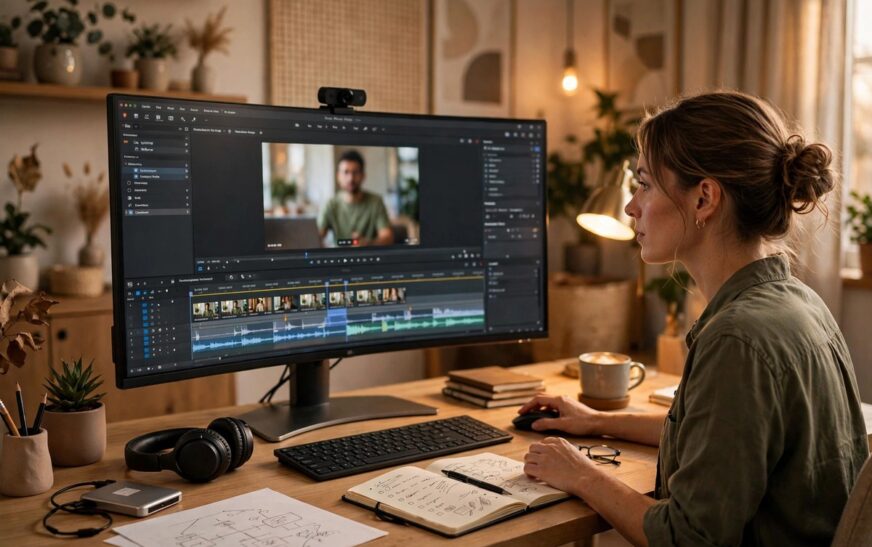
Learning how to repurpose webinars into blog posts is one of the highest-ROI skills a content marketer can learn. A single 60-minute webinar already contains the research, the expert quotes and the real audience questions, so the raw material for a strong blog post is sitting on your hard drive right now. This guide walks you through a seven-step workflow that turns that recording into a blog post built to rank on Google.
Most repurposed webinar posts fail at the same point: they read like a transcript with headings. Searchers do not want a recap of your event. They want an answer to the query they typed into Google. The workflow below fixes that by starting from search intent and treating the webinar as source material, not as the finished draft. It fits neatly into a wider content distribution strategy where every major asset feeds several channels.

The 7-Step Workflow: How to Repurpose Webinars Into Blog Posts
Follow these steps in order. For a typical 60-minute webinar, the whole process takes roughly four to six hours of focused work, far less than creating an equivalent article from scratch.
Step 1: Pick your best webinar, not your latest
Not every webinar deserves a blog post. Start with the recording that has the strongest signals: high live attendance, strong replay views, and an active Q&A. Evergreen topics beat news-driven ones, because the blog post needs to earn traffic for months. A webinar with 40 engaged questions is worth more than a polished session nobody asked anything about.
Step 2: Mine the Q&A for keywords before you write
Your attendees have already handed you a keyword list. The questions they asked in chat and in the live Q&A are phrased exactly the way real searchers phrase queries. Copy them out, then check which ones have search volume and weak competition. Build the post around one primary keyword and let the attendee questions become your H2s and FAQ entries. This single step is what separates a post that ranks from a post that only recaps.
Step 3: Transcribe and timestamp the recording
Get a full transcript using a transcription tool, then watch the recording at 1.25x speed and timestamp the moments that matter: the strongest explanations, the best stories, quotable lines, and every question worth answering in the post. This takes 30 to 45 minutes and becomes the skeleton of your article. Anything you would not timestamp is probably not worth writing about.
Step 4: Restructure for search intent, not for the webinar outline
Here is the mistake almost everyone makes: they turn the webinar outline into blog headings. Your webinar was structured to hold attention for an hour. Your blog post must answer one search query in the first screen and earn the click. Write the article around the keyword, then pull in the webinar material that supports it. Material that does not serve the query gets cut or saved for a second post.
Step 5: Turn spoken language into written copy
Transcripts read badly as articles because people speak in fragments, repeats and tangents. Rewrite, do not paste. Take this spoken line from a webinar: “So, um, the thing about deliverability is, like, most people just look at open rates, but honestly the real signal, and this is what we see with our clients, is inbox placement.” The blog version: “Most marketers judge deliverability by open rates, but inbox placement is the metric that actually predicts whether your emails reach the inbox.” Same insight, half the words, and room for your keyword in the heading above it. This rewriting step is where AI marketing automation tools can help with a first pass, but a human edit is what makes it rank-worthy.
Step 6: Build your FAQ from the live Q&A
Take the three to five best audience questions and answer each in two to four sentences under an FAQ heading. Add FAQ schema markup so Google can surface them as rich results. This is content your competitors cannot easily copy, because it came from your live audience. It also captures the long-tail queries that the main article body misses.
Step 7: Optimise and publish for ranking
Run this checklist before you hit publish. Put the keyword first in the SEO title and keep it under 60 characters. Write a meta description of 130 to 140 characters that promises the answer. Use descriptive H2s that match sub-questions searchers ask. Embed the webinar recording near the top so readers can watch if they prefer video. Add four internal links to related posts and one external link to an authority source. Finally, do not publish the raw transcript as a separate page: a full transcript plus a full article on the same topic splits your ranking signals. Use short transcript excerpts or quotes inside the article instead. These are the same fundamentals behind content marketing that builds brand trust: useful, original and properly structured.
A Quick Worked Example
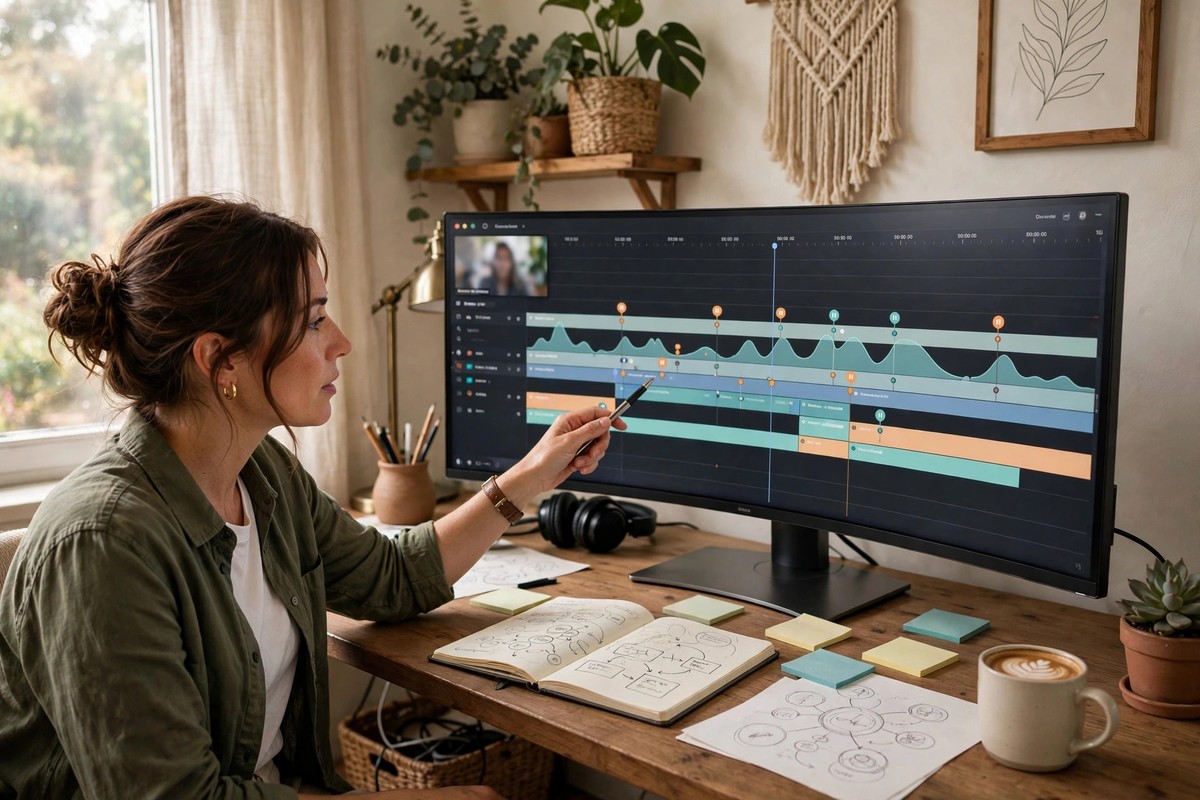
Imagine a 60-minute webinar titled “Email Deliverability for Ecommerce Brands”. The Q&A produced 35 questions. Keyword mining shows strong demand for the main topic plus clear long-tail queries about spam filters and sender reputation. From that one recording you can build three ranking posts: a main guide on email deliverability targeting the primary keyword, an FAQ-style post answering the spam filter questions, and a checklist post on sender reputation. Each one embeds the relevant clip from the recording, each one links to the other two, and each one targets a distinct keyword. That is one webinar doing the work of a month of blog briefs, which is exactly the point of a good repurposing system, as this content repurposing guidance from the Digital Marketing Institute explains.

3 Mistakes That Keep Repurposed Posts From Ranking
Publishing the raw transcript. A 60-minute transcript is 8,000 words of fragments and filler. Google treats it as thin content, and readers bounce. Transcripts are source material, not articles.
Recapping instead of answering. Posts titled “Webinar Recap: What We Covered on Tuesday” target nobody’s search query. If the title does not match something people search for, the post cannot rank no matter how good the content is.
Skipping keyword targeting entirely. Repurposing without keyword research is just reformatting. The attendee questions in your Q&A are free keyword data. A LinkedIn content strategy can promote the post afterwards, but search traffic is what compounds, and that starts with the keyword.
Final Takeaway: One Webinar, Months of Traffic
Now you know how to repurpose webinars into blog posts that rank on Google: pick the webinar with the strongest engagement, mine its Q&A for keywords, transcribe and timestamp, restructure around search intent, rewrite the spoken language, build an FAQ from audience questions, and publish with a full SEO checklist. Do this after every webinar and your event calendar quietly becomes your most productive content source.
Frequently Asked Questions
What is the fastest way to learn how to repurpose webinars into blog posts?
Start from the attendee Q&A, not the transcript. Pick the three best questions, check their search demand, and write a keyword-targeted post that answers them with the webinar’s material. A focused post built this way can be drafted in two to three hours and ranks better than a full 60-minute recap.
Should I publish the full webinar transcript as a blog post?
No. Full transcripts read poorly, rank poorly and split your ranking signals if you also publish a proper article. Use the transcript as source material, quote the best lines inside your article, and keep the full recording embedded as video instead.
Does embedding the webinar video help the blog post rank?
Indirectly, yes. An embedded recording increases time on page and gives readers who prefer video a reason to stay, both of which are positive engagement signals. It also makes your page the richest result for the topic, which helps click-through rates.
Which webinar should I repurpose first?
The one with the most engaged audience: high attendance, strong replay views and an active Q&A. Engagement tells you the topic has real demand, and the questions give you free keyword research and FAQ material.
Can I repurpose an old webinar from two years ago?
Yes, if the topic is evergreen and the advice still holds. Update any dated statistics, examples or tool mentions first, then run it through the same seven steps. Old webinars with strong Q&A sessions are often better source material than new ones, because the best questions have already been asked.











1 Comment
[…] Sound, and let the AI cut clips. If your team already runs webinars, pair it with our guide on how to repurpose webinars into blog posts and turn one recording into written and video assets in the same week. Hobbyist starts from […]