

Technical SEO Audit for Shopify Stores: The 2026 Checklist That Catches What Apps Miss
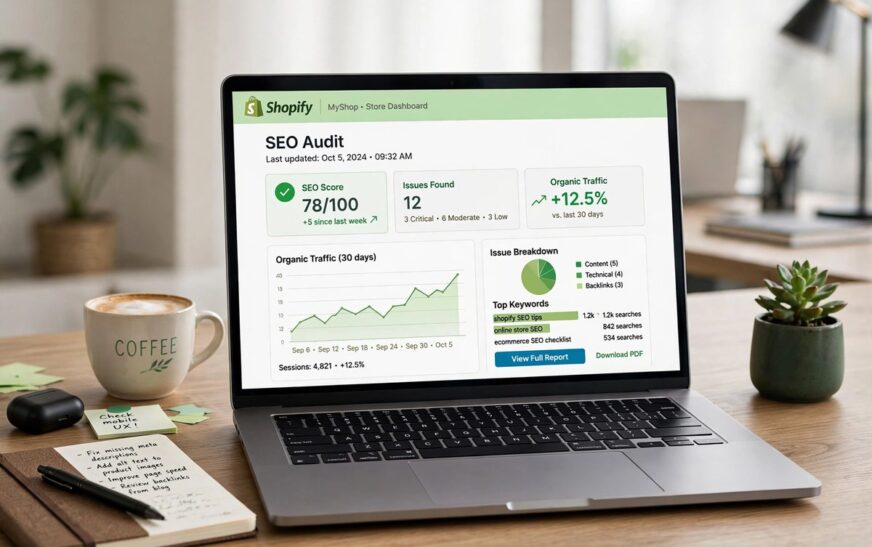
A technical SEO audit for Shopify stores is a systematic review of how Google crawls, indexes and renders your shop. It uncovers the platform-specific issues most owners never notice: duplicate product URLs, app scripts slowing down every page, and thin tag pages wasting your crawl budget. This 2026 checklist walks you through each check step by step, with the exact Shopify settings paths, so you know what to fix yourself and when to bring in an expert.
Start With Crawlability: Can Google Reach the Right Pages?
Before anything else, confirm Google can actually reach your important pages. Open Google Search Console and check the Pages report under Indexing. Look for spikes in “Crawled, currently not indexed” or “Discovered, currently not indexed”. Both are signs Google is struggling with your site structure rather than your content.
Next, check your sitemap. Shopify builds one automatically at yourstore.com/sitemap.xml, with separate sections for products, collections, pages and blog posts. Submit it in Search Console under Indexing, then Sitemaps. Watch for sitemaps that list out-of-stock products or old URLs that now redirect. Clean catalogues get crawled faster.
Then review robots.txt. You can edit it at Online Store, then Themes, then Edit code, then Templates, then robots.txt.liquid. The default file sensibly blocks /admin, /cart and /checkout, but it leaves tag-filtered collection pages crawlable. Adding a disallow rule for tag parameters is one of the quickest wins in this whole audit.
Fix Indexation Bloat Before It Eats Your Crawl Budget
Here is the uncomfortable truth about Shopify. Every product lives at two addresses: /products/blue-widget and /collections/widgets/products/blue-widget. If that product sits in five collections, that is six URLs showing identical content. A 500-product store can easily generate 5,000 crawlable URLs from 500 real products.
Shopify adds canonical tags pointing at the /products/ version by default, which helps. But themes and apps can break or override them. View the page source of a product reached through a collection path and confirm the canonical points to the clean /products/ URL. If it does not, fix your theme code before you touch anything else.
Also check your old store address. Search Google for site:your-store.myshopify.com. If pages show up, your original subdomain is competing with your custom domain. Head to Settings, then Domains, and confirm your custom domain is set as primary. Shopify should redirect the subdomain automatically, but it is worth verifying.
Speed and Core Web Vitals: Audit Your App Bloat
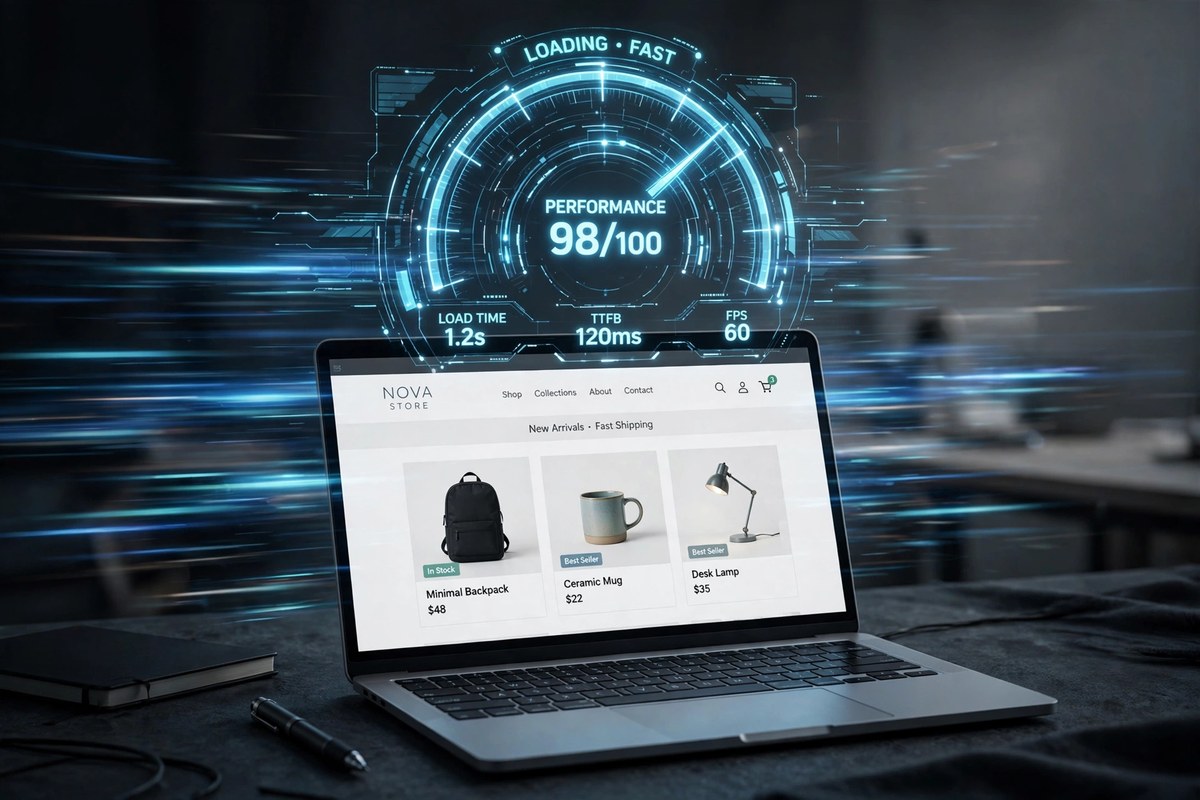
Speed is the technical factor that hits both rankings and revenue. Google’s Core Web Vitals targets are simple: Largest Contentful Paint under 2.5 seconds, Interaction to Next Paint under 200 milliseconds, and Cumulative Layout Shift under 0.1. Run your homepage, a collection page and a best-selling product page through PageSpeed Insights to get your baseline.
On Shopify, the usual suspect is app bloat. Almost every app injects JavaScript, and many load it on every page even when the app is only used in one place. Go to Online Store, then Themes, then Customise, then Theme settings, then App embeds, and switch off anything you do not need on each template.
Here is the gap most checklists miss. Uninstalling an app does not always remove its code. Leftover snippets in theme files or asset folders can keep slowing your store for months. After removing an app, search your theme code for the app’s name and delete the remnants, or ask a developer to do a cleanup pass. This single step has rescued more slow stores than any image optimisation trick.
Speaking of images, compress hero and product photos before upload and let Shopify serve modern formats. One uncompressed 3MB hero image can add two seconds to your LCP on mobile, which is where most of your customers shop.
Duplicate Content: What Your Technical SEO Audit for Shopify Stores Must Catch
Beyond the collection-path duplicates, Shopify creates several other duplicate traps. Product variant URLs with ?variant= parameters, tag-filtered pages like /collections/shirts/blue, and internal search pages at /search?q= all generate near-identical content.
The fix is a layered one. Keep canonicals pointing at clean URLs, add noindex to tag-filtered templates in your theme code, and make sure your navigation and internal links always point to the canonical /products/ version. Every internal link to a duplicate URL teaches Google the wrong address.
Structured Data: Help Google Understand Your Products

Structured data is how you tell Google exactly what it is looking at. At minimum, your product pages should carry Product schema with price, availability and reviews, plus BreadcrumbList and Organization markup. Test a few URLs with Google’s Rich Results Test to confirm the data is valid and eligible for rich results.
Two things to watch. First, some themes output duplicate or conflicting schema, especially when a reviews app adds its own markup on top. Validate and remove the weaker version. Second, keep key product details in the HTML. If your reviews or specifications only render through JavaScript widgets, crawlers and AI answer engines may never see them.
International SEO: Check Shopify Markets and Hreflang
If you sell across borders, open Settings, then Markets, and review how each market is configured. Shopify can serve international customers through subfolders, subdomains or separate domains, and it generates hreflang tags automatically.
Automatic does not mean correct. After adding a market, inspect the hreflang output on a product page and confirm each market points at its own URL with the right language and region codes. Common mistakes include every market pointing at the same URL, or currency switchers creating parameter URLs that get indexed. Fix these before you spend a penny on international link building.
AI Search Readiness: The 2026 Check Most Audits Skip
This is the section your competitors’ checklists do not have. AI Overviews, ChatGPT, Perplexity and similar tools now answer shopping questions directly, and they cite pages with clear, structured, factual product information.
Make your product pages quotable. Put specifications, materials, dimensions and compatibility in plain HTML text, not inside images or JavaScript-only tabs. Add a short FAQ to key product pages answering the questions shoppers actually ask. Keep your product feed accurate in Google Merchant Centre, since AI shopping features draw on it. These steps cost nothing and position your store for where search is heading, not just where it has been.
Your 10-Point Shopify Technical SEO Checklist
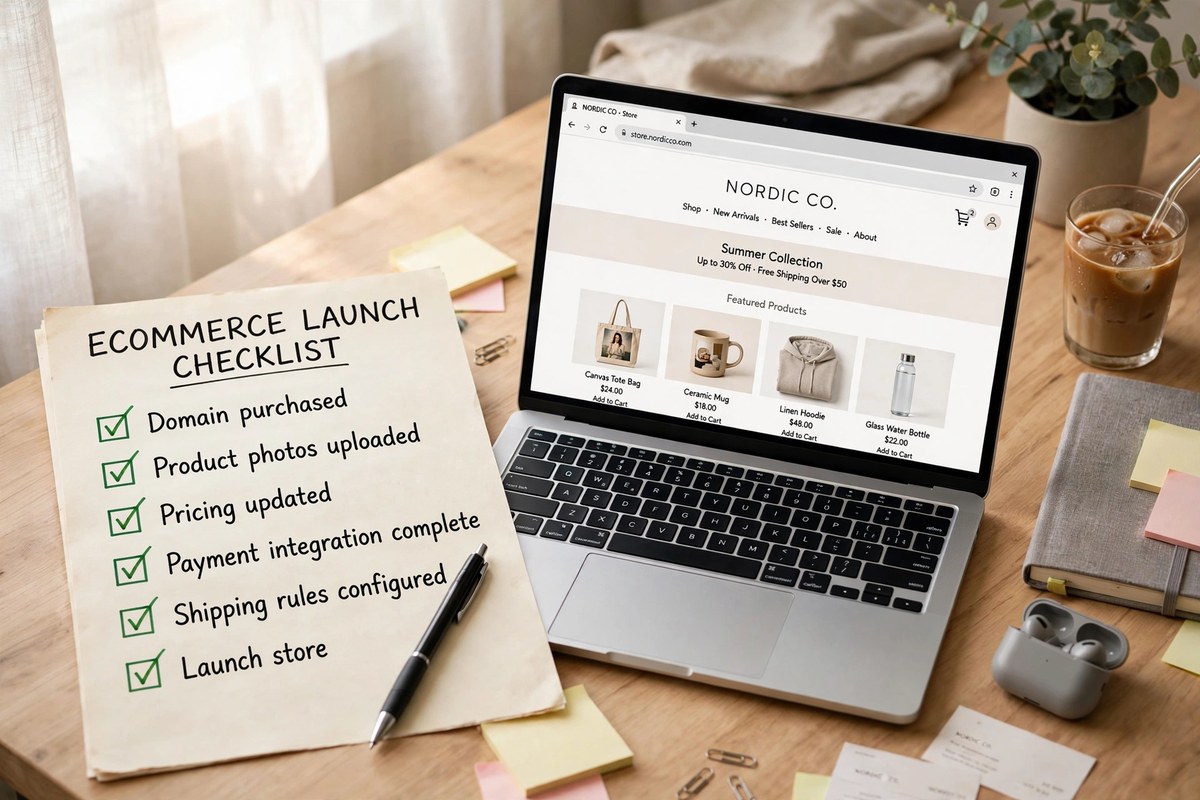
- Confirm Google Search Console is connected and the sitemap is submitted
- Check canonical tags point to /products/ URLs, not collection paths
- Add noindex to tag-filtered collection pages
- Verify the myshopify.com subdomain is not indexed
- Clean redirect chains down to single hops in Settings, Navigation, URL redirects
- Switch off unused app embeds and remove leftover code from uninstalled apps
- Pass Core Web Vitals: LCP under 2.5s, INP under 200ms, CLS under 0.1
- Validate Product, Review, BreadcrumbList and Organization schema
- Review hreflang output for every Shopify Market you serve
- Make product specs and FAQs visible in plain HTML for AI search engines
Should You DIY or Hire an Expert?
Most store owners can handle 70 to 80 percent of this audit themselves. Search Console, PageSpeed Insights and the Rich Results Test are free and explain issues in plain language. Theme code edits like noindex rules and app cleanup are the natural point to bring in a developer.
Hire help when canonicals are broken across templates, when hreflang spans multiple domains, or when speed problems persist after you have trimmed apps and images. A few hours of expert time usually pays for itself in recovered crawl budget alone.
Conclusion
A technical SEO audit for Shopify stores is not about chasing a perfect score. It is about removing the platform-specific obstacles that stop Google from seeing your best pages. Fix the duplicates, tame the app bloat, validate your structured data and prepare for AI search, and your content finally gets the chance to rank. Run this checklist twice a year, and again after any theme change or app install, and your store will stay ahead of most competitors without constant effort.
Frequently Asked Questions
How long does a technical SEO audit for Shopify stores take?
For a small catalogue under 500 products, expect two to four hours for the first pass. Larger stores can take a full day. Once you have a baseline, repeat audits go much faster because you know where to look.
Do I need paid tools to audit my Shopify store?
No. Google Search Console, PageSpeed Insights and the Rich Results Test cover most of the checklist for free. Screaming Frog’s free tier crawls up to 500 URLs, which suits many small stores. Paid crawlers help once catalogues grow past a few thousand pages.
What is the most common technical SEO problem on Shopify?
Indexation bloat from duplicate product URLs. Collection paths, tag pages and variant parameters can multiply a 500-product catalogue into thousands of crawlable URLs, which is exactly what a technical SEO audit for Shopify stores is designed to catch.
Will fixing technical issues improve my rankings quickly?
Indexation and redirect fixes can show results within days to two weeks as Google recrawls. Speed improvements usually move the needle within a month. Content and authority gains take longer, typically three to six months.
How often should I repeat the audit?
Twice a year at minimum, plus after theme changes, app installs or removals, major catalogue updates, and any domain or Shopify Markets change. Each of these events can silently reintroduce the problems you just fixed.